
Illinois VINE and Wabash County
Illinois runs a custody notification system called VINE, and VINELink is its public face online. The Illinois Attorney General's VINE page explains the reach. It connects with county jail booking systems, the Illinois Department of Corrections, the Department of Human Services, and circuit-court clerks. Anyone can search or register there. That is the statewide picture. No table shows which counties feed which events, though. Wabash County's exact participation has to be tested in the live service itself. Call Wabash County Jail if a search comes back empty. An empty screen proves nothing. It does not mean the person was never arrested. Phone help also exists at 1-866-566-8439, written 1-866-5-NOTIFY, with TTY 711 relay for callers who need it.
How to Run a VINE Arrest Check
Start with enough detail to tell same-name people apart. Never enter a private date of birth, search identifier, phone number, or alert PIN where others can see it.
- Open the official Illinois VINELink service and select Illinois if prompted.
- Choose the custody or case search offered by the current interface.
- Enter the exact name. Use a booking or offender identifier if known and accepted.
- Compare each match’s facility, status, identifying fields, and event date. Do not choose on name alone.
- Open the relevant result and read the status as a point-in-time event, not a case outcome.
- If no result appears, retry exact spelling and then confirm with the Wabash County Jail.
A booking can be only minutes old. The Arrested Today page covers the sheriff app and a direct call to the jail, while VINE can trail the source booking system.
What a VINE Result Can Show
The fields on a result change with the live service and its data source. Read the labels on the actual screen rather than assuming every county or state record looks the same.
| Result field | How to use it |
|---|---|
| Name or record identity | Compare carefully; a name match alone is not identity proof. |
| Custody status | A current or eligible event, not a complete arrest history. |
| Facility | Distinguishes county jail, IDOC, DHS, or another participating setting. |
| Identifier | Use the label shown. A state IDOC number is not a county booking number. |
| Event date | May mark a reported status change and can lag the real-world event. |
| Release or transfer event | Can support an alert when that option is available for the record. |
| Case information | May appear through a clerk interface, but confirm disposition with the court. |
| Photograph | VINE does not promise a photo and is not a mugshot database. |
Note: Read the facility and event date together because the same person can move between local and state custody.
The Illinois VINELink Search Screen
The live screen can change. Always begin at the state URL. The official VINELink Illinois page displays the state's search entry point, so treat it as the starting address rather than a copied link.
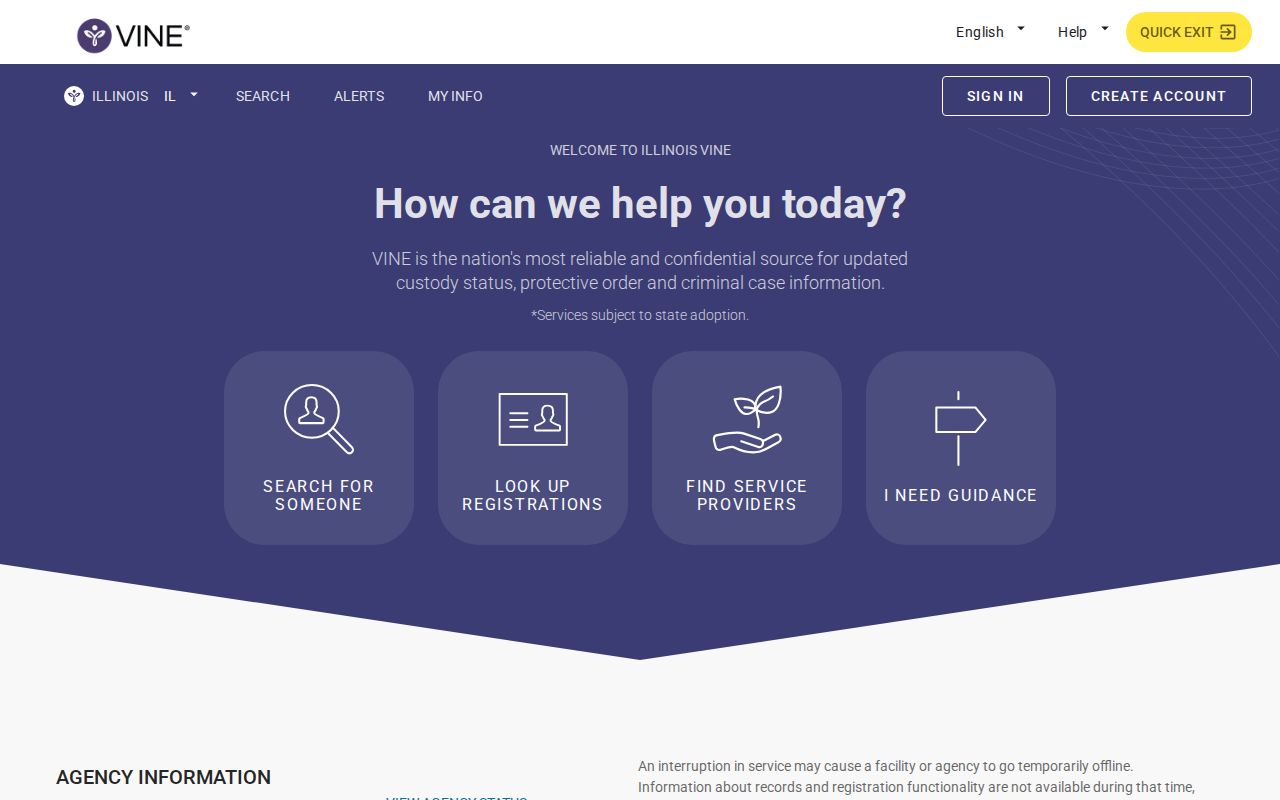
The page records the state entry point only. No gallery of people appears there. If the screen asks for a state or service type, pick Illinois before searching. Bookmarked sessions and copied result links can expire, but the state landing page stays the safer route.
Register for Wabash Custody Alerts
Use the registration control attached to any eligible result. Alert choices vary by service and event. IDOC Victim Services notes that registration works online or by phone, with email, text, telephone calls, and app notifications.
- Confirm that the result belongs to the intended person and facility.
- Select the available release, transfer, or other custody-event notification.
- Enter a private phone number, email address, or supported app channel that you control.
- Create a personal PIN when the form requests one, especially for telephone notices.
- Complete any confirmation step and save only non-sensitive registration details securely.
- Update the contact route if the phone number or email changes.
Never share a PIN. Keep alert credentials out of public messages. An alert only works as well as the contact information behind it, and notices may stop or change after a release event.
IDOC Support for VINE Notifications
The Illinois Department of Corrections Victim Services office documents the wider notification path for the state. Phone help runs around the clock, every day of the year. Support covers more than 200 languages. That opens VINE help to far more people. It still does not prove that every Wabash jail event appears. The official IDOC Victim Services page lists these channels.
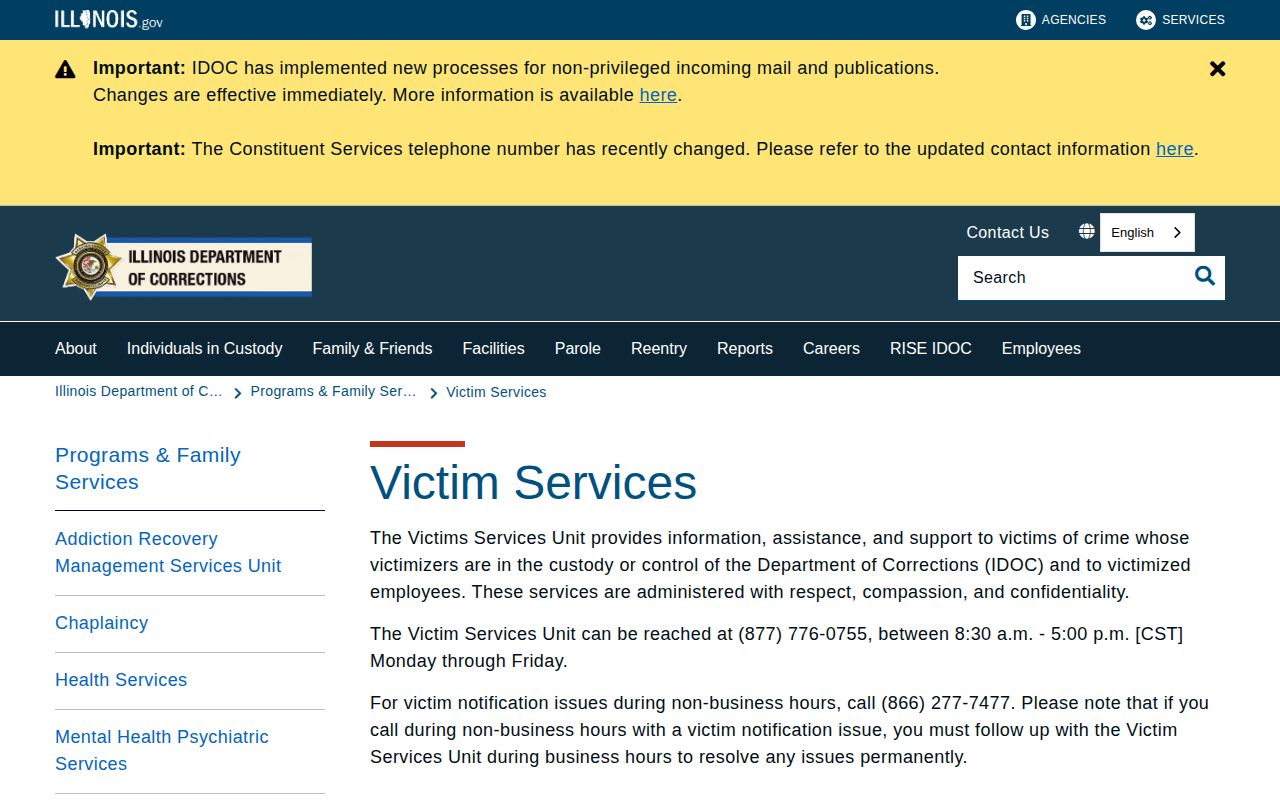
This state source covers channels and assistance. It is not a live Wabash County custody match. IDOC and the county jail are different stages. A fresh local booking belongs with the Wabash sheriff path. IDOC matters later, after a state placement or parole record.
When a Wabash VINE Search Is Empty
An empty result can mean several things. The booking may be too fresh, or the name may be spelled differently in the system. A county feed may not expose that event, the person may already be released, or the record may be confidential. Juvenile and protected records often stay unavailable too.
Match the tool to the facts you have. The Illinois Department of Corrections locator handles state prison and parole cases. Federal custody belongs to the Bureau of Prisons locator, and ICE runs its own Online Detainee Locator. VINE replaces neither federal service.
Alerts Are Not Court Outcomes
A VINE message reports an event, nothing more. It might be a release, a transfer, or another eligible change in custody. The message gives no reason for the event. It decides nothing about the criminal case. Release can follow a court order or finished local custody. It can also follow a transfer or routine paperwork. For the legal outcome, turn to the Wabash Circuit Clerk or the court search. Save the alert date, then check the docket before repeating anything about the case.
Note: A custody alert can arrive after the real-world event, so use emergency services rather than VINE when immediate danger exists.
VINE by Phone in Illinois
Phone lines matter here. Calling VINE gives people who cannot use the web form another way to register for Wabash County custody alerts. It also reaches live support. Before dialing, pull together the person's verified name. Add the facility where you believe they are held. Share sensitive details only when the service asks for them. Keep the PIN to yourself. IDOC offers telephone help in many languages. That broad reach does not guarantee a Wabash County arrest record appears in the live feed.
Safe Use of Wabash Custody Notices
Register with a genuine need only. Route notices through a private contact channel. Guard the PIN. Never post search results, personal identifiers, or notification credentials anywhere public. An alert that looks wrong should be confirmed with the facility listed in the notice. Any discrepancy can be reported through the live service. Treat VINE as a safety and information tool. Do not use it as a permanent archive. This page hosts no booking photographs.